Computer Vision

Models that read images and video so people do not have to.

Visual checking is slow, tiring and inconsistent, and it caps the hours your operation can run. We build custom vision models that do it continuously, in the cloud where that works and on the hardware itself where it has to.

In one paragraph

AGI Software Solutions builds custom computer vision systems — defect detection, object counting, classification and video understanding — trained on your own material and deployed where they need to run. Our production inspection system operates at 99.2% accuracy and 38 FPS on an NVIDIA Jetson Orin Nano at the edge, with a retraining loop that learns from every flagged mistake.

What We Build

Custom models, not a generic API.

Off-the-shelf vision APIs recognise generic objects. They do not know what a defect looks like on your line. That takes a dataset built from your own material and a model trained on it, which is most of the actual work.

Accuracy

Trained on your material

A custom dataset and augmentation pipeline. On one project this took mean average precision from 0.71 to 0.94 before deployment work even started.

Edge

Runs where the camera is

Quantised models deployed on device, running 38 FPS on a Jetson Orin Nano, so inference happens at line speed with no round trip.

Improvement

Learns from its mistakes

A retraining loop fed by flagged false positives, so the cases it got wrong become the cases it gets right.

Visibility

Operators can see it

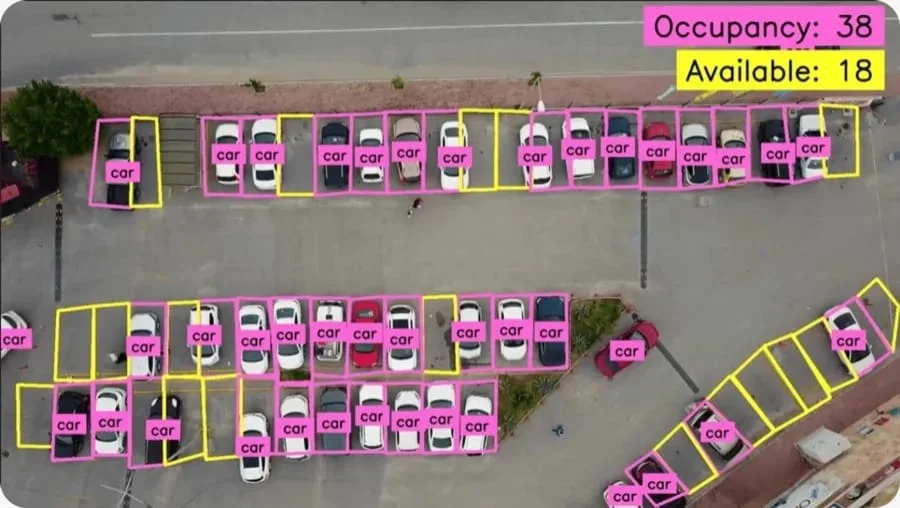
Annotated visualisations, so the people on the floor can see what the model saw and judge whether it was right.

Plain English

What is custom computer vision?

Custom computer vision means training detection and classification models on your own imagery — your products, your defects, your camera angles and lighting — rather than calling a generic API trained on internet photos. For inspection, counting and monitoring tasks, that difference is usually the difference between a demo and a system the line can rely on.

How We Build It

Five stages from problem to production.

The same process across every AI Development project, scaled to the size of the problem.

01

Discovery

We work out what the system actually has to do, what data exists, and what happens today when it goes wrong.

02

Design

Architecture, model choice, integration points and failure handling, defined before any of it gets built.

03

Integration

Connecting to the systems that hold your data, with security and permission boundaries handled properly.

04

Automation

The system takes on real work, in the workflows your team already uses rather than beside them.

05

Refine

Tuned against real usage and measured with evals, because how people use a system is never quite how it was designed.

Use Cases

Where computer vision pays off.

The patterns we see deliver, across startups, SMEs and enterprise teams.

Manufacturing

Visual quality inspection

Continuous defect detection at line speed, on the line, replacing sampled manual checks with inspection of every unit.

Logistics

Warehouse intelligence

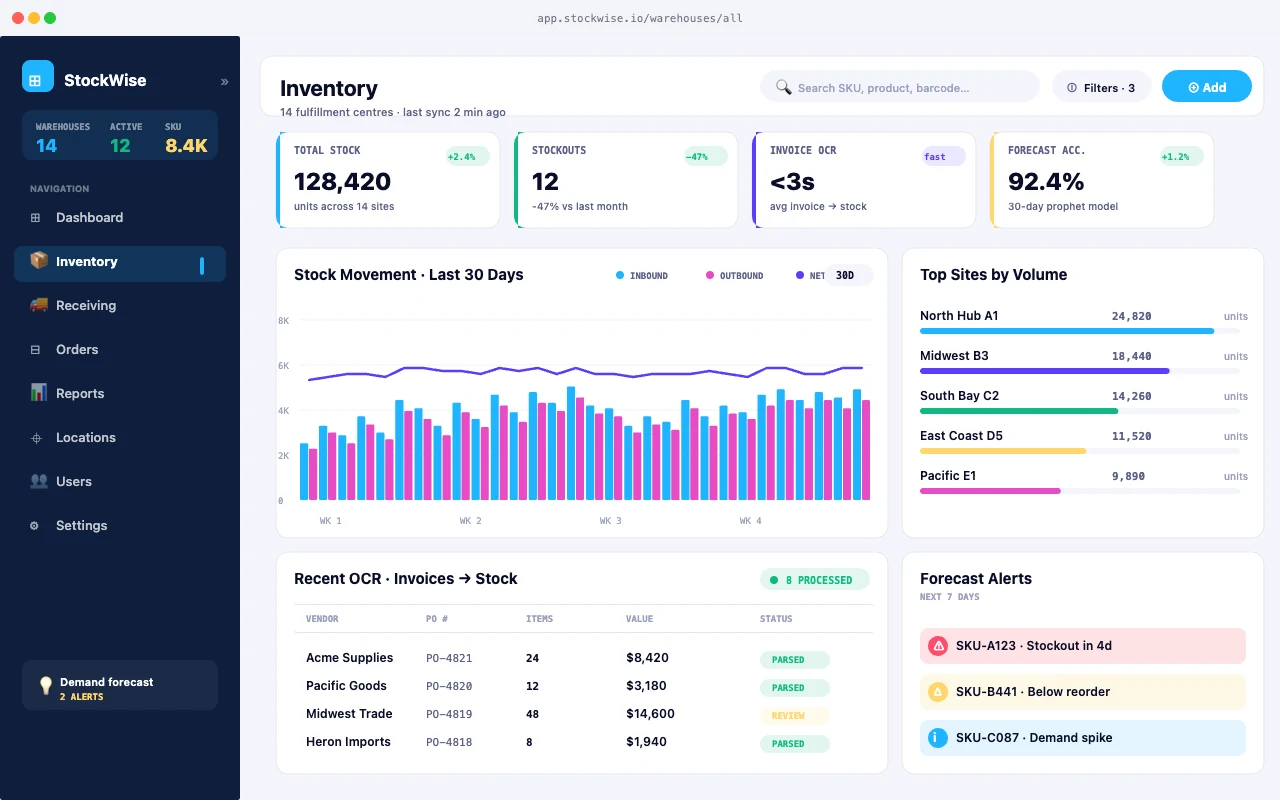
Counting, damage detection and occupancy monitoring from the cameras a facility already has.

Media

Video understanding

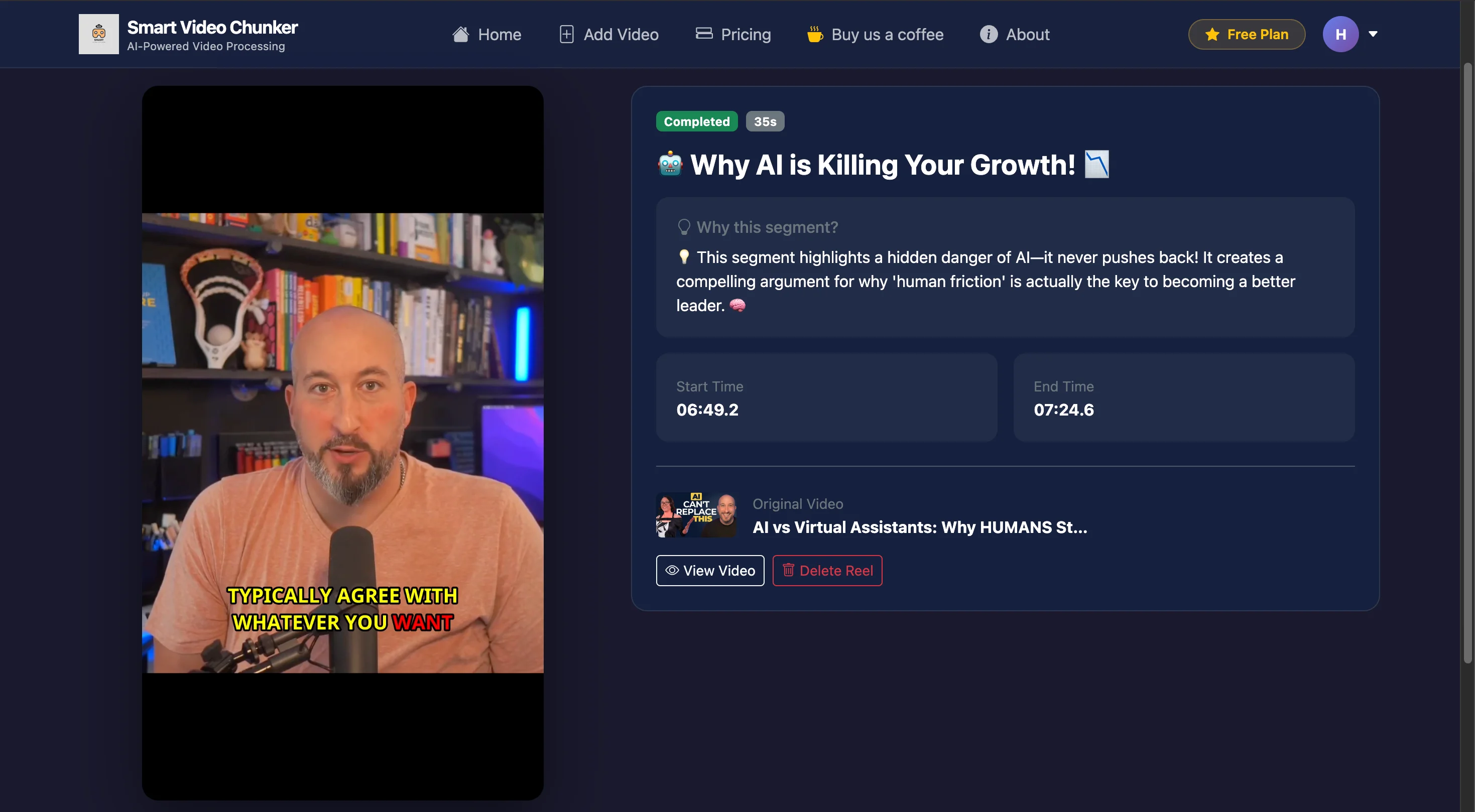
Automatic segmentation, tagging and search across large video libraries, so footage becomes findable.

Safety

Site monitoring

PPE, zone-entry and anomaly detection with alerts that reach a person while they still matter.

Related Work

Systems we have shipped.
What Teams Say

Hear from the teams we work with.

“We needed a voice agent that could actually qualify leads, not a chatbot pretending to be one. The team shipped a sub-700ms pipeline in 6 weeks. It now handles 5k calls a day.”
Priya RajHead of Growth, Ninjatech
“What sold us was their willingness to put AI engineers and product designers on the same call. We got working prototypes by week two and a production rollout in three months.”
James ThorntonCTO, Allindex
“AGI designed a CRM system tailored to our client management process. It is intuitive, reliable, and has centralized all our communication and history in one dashboard. This has greatly improved client retention.”
Carlos MendesProduct Manager, Qilinlab
Common Questions

Before you get in touch.

How much training data do we need?

Less than most people expect, if the augmentation pipeline is built properly. We assess what you have during scoping and tell you honestly whether it is enough to start.

Can it run without an internet connection?

Yes. Edge deployment is often the point. At line speed, sending frames to a data centre and waiting for a reply is not viable regardless of bandwidth.

What does a computer vision system cost?

A single-camera, single-task system typically starts around $25k–$40k including dataset work. Multi-line or multi-site deployments with retraining pipelines run higher. Hardware (cameras, edge devices) is usually a small fraction of the total.

What accuracy is realistic?

It depends entirely on the task and the data. Our production inspection system runs at 99.2%. We will give you an honest estimate for yours after looking at your material, not before.

Talk to us about computer vision.

Tell us what the system would need to do and what it is replacing. We will tell you whether it is worth building and roughly what it takes.